

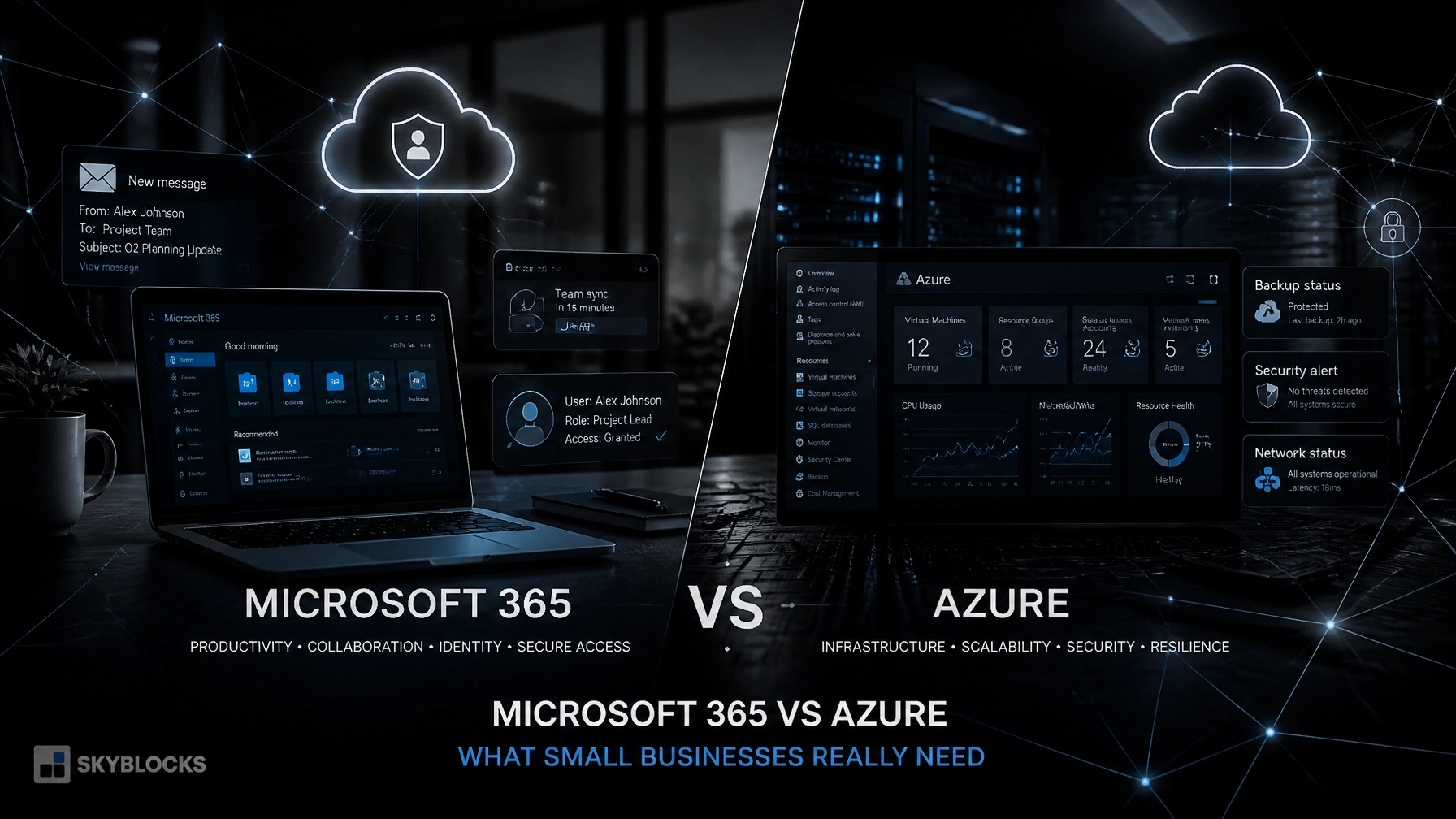
Microsoft 365 vs Azure: What Does Your Small Business Actually Need?
Most small businesses need Microsoft 365 before they need Microsoft Azure.
That is not a sales position. It is the practical starting point we use when designing systems for companies that have outgrown basic IT support but do not need a full enterprise IT department.
Microsoft 365 covers the work your employees do every day: email, documents, meetings, collaboration, identity, and device management. Azure covers the infrastructure behind specific workloads: virtual machines, networks, databases, monitoring, backup, and disaster recovery.
The two platforms are connected, but they are not interchangeable.
“Start with the platform that solves the problem you actually have.”
Microsoft 365 and Azure solve different problems
Microsoft 365 is a per-user productivity and security platform. It includes services such as:
- Exchange Online for business email
- Outlook, Word, Excel, and PowerPoint
- Microsoft Teams for meetings and collaboration
- OneDrive and SharePoint for file storage and sharing
- Microsoft Entra ID for identity and access
- Microsoft Intune for endpoint management
- Microsoft Defender and Purview capabilities, depending on the plan
Azure is a cloud infrastructure platform. It provides building blocks such as:
- Windows and Linux virtual machines
- Virtual networks and VPN gateways
- Azure Storage and Azure Files
- Managed databases such as Azure SQL
- Azure Monitor and Log Analytics
- Microsoft Defender for Cloud and Microsoft Sentinel
- Azure Backup and Azure Site Recovery
- Application hosting, automation, and serverless services
You may already use Azure indirectly. Microsoft 365 tenants use Microsoft Entra ID, and Microsoft’s cloud services run on Azure infrastructure. That does not mean you need to manage an Azure subscription or deploy Azure resources yourself.
That distinction matters.
Microsoft 365 vs Azure: a practical comparison
| Area | Microsoft 365 | Microsoft Azure |
|---|---|---|
| Primary purpose | Productivity, collaboration, identity, and endpoint security | Compute, networking, application hosting, monitoring, backup, and disaster recovery |
| Typical users | Every employee and business user | IT administrators, engineers, developers, and infrastructure teams |
| Common services | Exchange, Teams, OneDrive, SharePoint, Entra ID, Intune | Virtual Machines, Azure Storage, VNets, Azure SQL, Azure Monitor, Azure Backup |
| Licensing model | Usually per user, per month | Mostly consumption-based, according to resources used |
| Best starting point | Almost every modern small business | Businesses with servers, custom applications, or advanced infrastructure requirements |
| Operational burden | Lower when configured correctly | Higher; requires architecture, governance, monitoring, and cost control |
Microsoft 365 is where your users work.
Azure is where you build and operate infrastructure.

What Microsoft 365 should cover first
For most small businesses, Microsoft 365 should be the foundation of the environment.
The question is not only whether you have email and Office applications. The question is whether those services are configured as a coherent system.
We look at four areas.
Productivity and collaboration
Microsoft 365 gives employees a consistent way to communicate, create documents, store files, and work together. Exchange Online handles business email. Teams supports meetings and messaging. OneDrive supports individual work files, while SharePoint provides shared team and company content.
The important work is in the design:
- Who owns shared data?
- Which files belong in SharePoint rather than personal OneDrive storage?
- How are external sharing and guest access controlled?
- What happens to a user’s data when they leave?
Buying licenses does not answer those questions. Architecture does.
Identity through Microsoft Entra ID
Microsoft Entra ID is the identity layer behind Microsoft 365 and Azure. Every Microsoft 365 tenant already uses it.
For a small business, Entra ID should provide more than a username and password. We typically design around:
- Multifactor authentication
- Conditional Access policies
- Separate administrator accounts
- Least-privilege access
- Clear user and group structure
- Sign-in and audit monitoring
- A documented process for onboarding and offboarding
Microsoft describes Entra ID as a cloud identity and access management service for users, devices, applications, and resources. In practical terms, it becomes the control point for deciding who can access what, from which device, and under which conditions.
Endpoint management through Intune
Microsoft Intune manages company devices and applications from the cloud. It can enroll, configure, secure, update, and retire Windows, macOS, iOS, Android, and other supported devices.
This is where many businesses move beyond basic IT support.
Instead of configuring every computer manually, Intune lets you define standards for:
- Security settings
- Windows updates
- Disk encryption
- Antivirus and endpoint protection
- Required applications
- Compliance policies
- Device enrollment
- Access restrictions
Intune works closely with Entra ID. Device compliance can become part of an access decision. For example, an unmanaged or noncompliant laptop can be prevented from accessing company data.
Microsoft 365 Business Premium includes Intune Plan 1 and Microsoft Defender for Business, along with additional identity, device, and data security controls. Business Standard includes the core productivity services, but it does not provide the same level of endpoint management and threat protection.
For a business with company-owned Windows devices, remote workers, or customer and regulatory requirements, Business Premium is often the more sensible baseline.
When Microsoft Azure becomes relevant
Azure becomes relevant when Microsoft 365 cannot host or manage the workload you need.
That usually happens for one of five reasons.
You need to run a server
You may have an application that requires Windows Server, SQL Server, Active Directory-compatible services, or a legacy file system. Azure Virtual Machines can host Windows or Linux servers without requiring you to purchase and maintain physical hardware.
That does not automatically make Azure the right choice. A poorly planned virtual machine can cost more than an appropriately maintained on-premises server. The workload, licensing, performance requirements, backup design, and support model all matter.
You have a custom application
A line-of-business application, API, website, or customer portal may need infrastructure outside Microsoft 365. Azure App Service, Azure Functions, Azure SQL Database, Storage, and related services can provide a managed platform for those workloads.
The right design may not be a virtual machine. We start with the application requirements rather than defaulting to a server.
You need hybrid networking
Some companies need to keep systems on-premises while moving selected services to Azure. Azure Virtual Network and VPN Gateway can provide private connectivity between locations and cloud resources.
Hybrid environments require discipline. Network routes, DNS, identity, firewall rules, and failure behavior must be documented before production deployment.
You need stronger security monitoring
Microsoft 365 provides security and compliance tools for users, email, devices, and collaboration data. Azure extends security monitoring to cloud infrastructure and workloads.
Azure Monitor, Log Analytics, Microsoft Defender for Cloud, and Microsoft Sentinel can help collect signals from servers, applications, networks, and security controls.
These tools are useful when the business has a real monitoring requirement. Deploying them without deciding who reviews alerts, how incidents are escalated, and how long data is retained creates noise rather than security.
You need backup or disaster recovery for servers
Microsoft 365 retention features are not a complete disaster recovery plan for every business scenario. If you operate servers, databases, or other critical workloads, Azure Backup and Azure Site Recovery may provide the offsite protection and recovery process you need.
Backup is not finished when a job reports “successful.” We verify retention, access control, restore procedures, recovery time objectives, and recovery point objectives.
“A backup you have never restored is an assumption.”

Cost signals: predictable licenses versus variable infrastructure
Microsoft 365 and Azure are budgeted differently.
Microsoft 365 is usually easier to forecast. You pay per user, per month or year, and the plan determines which services and security capabilities are included.
Microsoft’s current US business pricing page lists Microsoft 365 Business Basic at $7 per user per month when paid yearly. Plans with desktop applications and advanced security cost more. The page also lists Business Standard with Copilot at $23.50 per user per month and Business Premium with Copilot at $32 per user per month. Pricing, packaging, regional availability, and promotions change, so confirm current numbers on Microsoft’s official business pricing page.
Azure is different. Costs depend on:
- Virtual machine size and uptime
- Storage capacity and performance tier
- Database configuration
- Data transfer
- Backup storage and retention
- Monitoring and log volume
- Network gateways and security services
- Support and licensing choices
Microsoft provides an Azure pricing calculator because Azure costs need to be modeled rather than guessed.
Azure can be cost-effective when it replaces hardware, supports a variable workload, or provides capabilities you cannot reasonably operate yourself. It can also become expensive when resources are left running, oversized, duplicated, or poorly governed.
We use budgets, tagging, alerts, resource naming standards, and ownership rules from the beginning. Cost control is part of the architecture.
A practical decision guide
Choose Microsoft 365 first if:
- Your main needs are email, Office applications, Teams, and file collaboration.
- You want centralized identity and multifactor authentication.
- You need to manage Windows laptops and mobile devices.
- You do not operate business-critical servers.
- Your applications are already delivered as SaaS services.
- You want a predictable per-user technology budget.
Start planning Azure if:
- You have a server that must be hosted or replaced.
- You run a custom application, database, or API.
- You need private connectivity between your office and cloud infrastructure.
- You need centralized monitoring for servers and applications.
- You need formal backup and disaster recovery for infrastructure.
- Security, compliance, or customer requirements demand more control.
- You are retiring a data room but cannot eliminate the workloads inside it.
In many cases, the answer is not Microsoft 365 versus Azure. It is Microsoft 365 first, with a small and deliberate Azure footprint added for specific workloads.
How Skyblocks approaches the decision
At Skyblocks, we design Microsoft 365 and Azure environments around the business’s actual operating model.
We can assess your current tenant, identity configuration, devices, applications, network, server dependencies, backup process, and compliance requirements. Then we define what belongs in Microsoft 365, what belongs in Azure, and what should not be added at all.
Our technology services are built for companies that need senior engineering judgment without building a large internal infrastructure team. We handle the practical work: architecture, security configuration, automation, migration, documentation, and ongoing improvement.
If you are unsure whether you need Azure, that is a useful starting point. Send us a description of your current environment through our contact page. We’ll discuss the workload, the risks, and the simplest design that meets the requirement.
No platform decision needs to be made before the problem is understood.
