
Stale Windows Inventory Is a Security Problem
A device can be brand new and still arrive behind the approved Windows, driver, and firmware baseline for that model.
A reseller receives hardware, shelves it, and waits for the customer’s deployment date. The boxes stay sealed for weeks or months. By the time the laptop reaches the staging bench, Windows and model-specific drivers may no longer match the approved baseline, firmware guidance may have changed, and security fixes may exist that were not in place when the device shipped.
A device can leave the bench with updates still pending, and the customer can end up absorbing that work.
New hardware can still be out of date
Inventory aging is easy to underestimate because the device looks untouched. Factory packaging, a recent ship date, and an unused chassis do not tell you whether the installed Windows build, drivers, or firmware still match the approved baseline for deployment.
Microsoft's Secure Boot certificate guidance is a practical example of why the box date is not enough. Microsoft says Secure Boot certificates originally issued in 2011 began expiring in June 2026, and a 2023 set is being deployed to maintain protection against boot-level threats. This is a possible device-specific issue, not a universal one: a device can reach that expiration point, still boot, and still take standard Windows updates while not receiving new early-boot protections. Some devices need an OEM firmware update before the new certificates can be applied, and Windows Security can show whether one is needed.

The work shows up before onboarding
A device that sat in a box is not automatically unsafe, but it may arrive behind the approved Windows, driver, and firmware baseline for that model. In practice, the staging tech may need to confirm the Windows build, apply approved updates, load the right supported model-specific drivers, review firmware requirements, restart the machine, validate the result, and clear failures before the device meets the agreed handoff standard.
Each task is manageable on one laptop. At volume, it can become staging labor that should have been handled before handoff.
BootRunner prepares the Windows and hardware baseline. Microsoft Autopilot provisions the device, and Microsoft Intune manages it.
Refresh it before shipment
Inventory will age. Orders move, projects slip, and hardware waits on allocation or logistics. What matters is the condition of the device when it leaves staging, not when it first arrived.
A laptop that sat for two weeks may need little attention. One that sat for six months may need a fuller review of Windows, drivers, firmware, restart behavior, and separate device checks such as Secure Boot certificate state before handoff.
Applying the image, drivers, and firmware prepares the Windows and hardware baseline. BootRunner applies supported model-specific firmware as part of that preparation. Secure Boot certificate state is a separate item to verify before handoff: it depends on an OEM-delivered firmware update and on Microsoft's Secure Boot servicing, and Windows Security shows whether an OEM firmware update is needed.
This is where BootRunner fits.
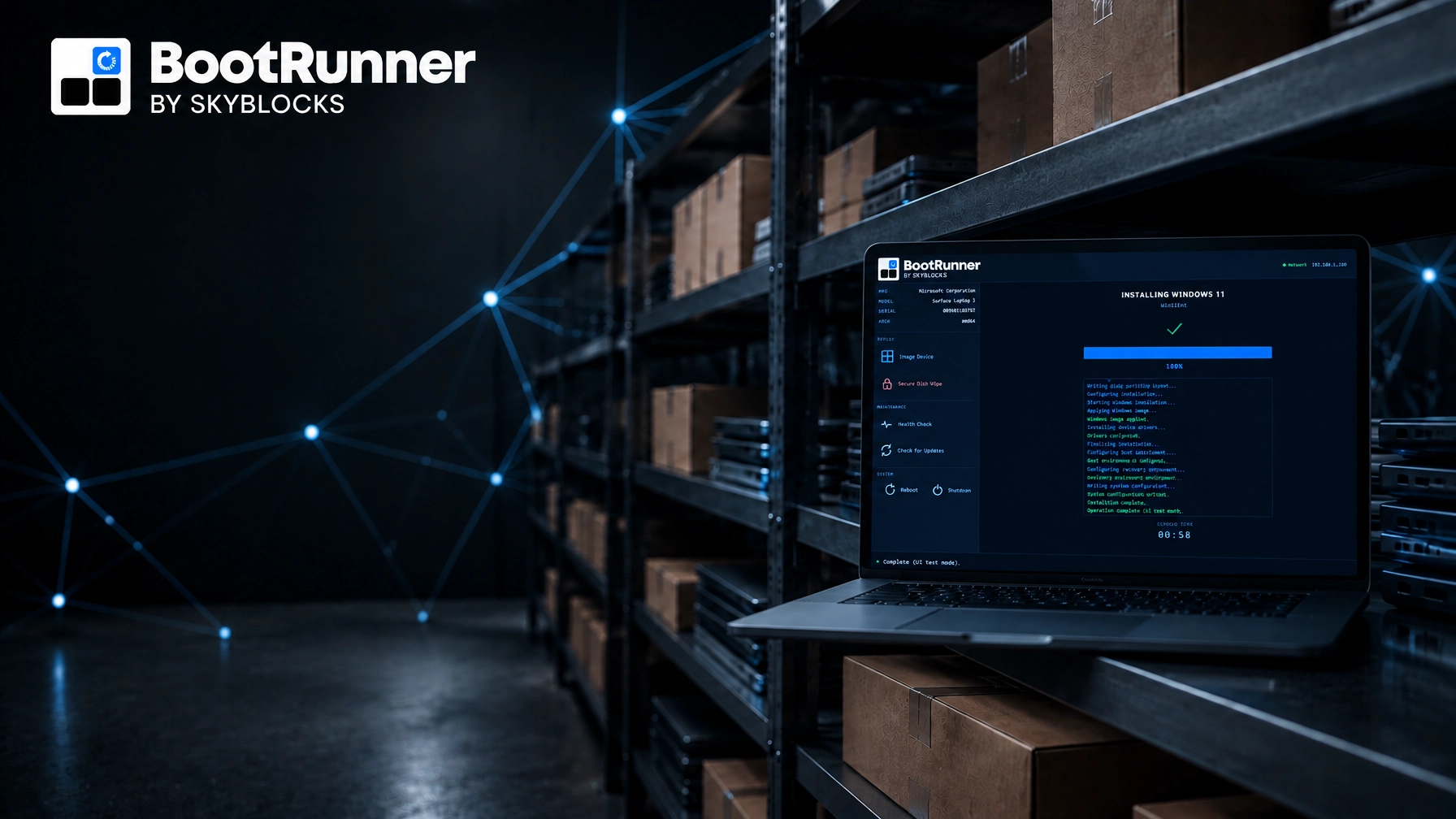
BootRunner applies the current Windows image together with the correct supported model-specific drivers and firmware in one guided flow. Its core preparation workflows are designed to operate offline or in air-gapped environments. Skyblocks keeps Windows images and supported model-specific drivers and firmware current on an ongoing basis.

Fit it into the real handoff
Resellers do not need another management platform to replace the customer’s existing tools. They need a preparation step that fits the handoff already in front of them, especially where connected provisioning is restricted, undesirable, or impractical. For additional context, our Windows deployment criteria for VARs and resellers covers the broader requirements: offline operation, hardware-aware preparation, repeatability, and a clean handoff to Microsoft Autopilot or Microsoft Intune.
Preparing the device before shipment also keeps responsibility clear. The VAR owns the staging outcome. The customer’s IT team owns provisioning and management policies.

Do not ship yesterday’s image
The longer a Windows device sits, the less useful its original state becomes as a measure of readiness. Treating shipment as the point where Windows, supported model-specific drivers, and firmware are checked against the approved baseline and prepared is more reliable than trusting the box date or the factory image alone.
If your inventory regularly sits between procurement and deployment, tell us how the handoff works today. We’ll give you a direct view of where the preparation step belongs and whether BootRunner is a fit.
Microsoft, Windows, Windows Security, Intune, and Autopilot are trademarks of Microsoft Corporation. Skyblocks is not affiliated with or endorsed by Microsoft.