
Windows Deployment Across Dell, HP, Lenovo, and Surface
The Dell laptops arrive first thing in the morning.
By the afternoon, an order for Lenovo systems lands. The next day brings a Surface shipment, while an HP batch is already waiting for inspection. The operating system is still Windows across the bench. The supported model-specific drivers and firmware are not.
That distinction is manageable when one technician handles one model at a time. It can become an operational problem when several vendors, generations, and customer orders move through the same staging area.
“Windows is the common layer. The hardware baseline is not.”
The manual process breaks at the vendor boundary
A generic Windows installation does not remove the model-specific work.
In a manual process, the technician identifies the device, searches the manufacturer’s support site, locates the appropriate driver package, determines whether firmware is included or separate, applies the material, and then checks the result. The exact sequence varies by vendor.
Dell may present one packaging model. HP may organize its downloads differently. Lenovo may separate packages by product family or operating system. Surface devices can use their own driver and firmware packages. Even when the technician knows the vendors well, the process still involves repeated lookups and decisions.
The difficulty is not that any individual step is impossible. The difficulty is repetition.
At staging volume, the same work creates several sources of variation:
- A technician selects a package for a similar but incorrect model.
- A firmware download is missed because it is separate from the driver package.
- One shift checks the device thoroughly while another moves it forward after a basic boot test.
- A system is imaged correctly but leaves the bench behind the intended hardware baseline.
- A later technician has to determine what was applied before reworking the device.
The same model can leave the bench in two different states. The difference is not necessarily visible when the laptop powers on. It can show up later as missing hardware support, additional update work, or a device that has to return to the bench.
Mixed hardware multiplies bench time
One device is rarely the problem.
A technician can usually work through a single model with enough time and a known process. The cost increases when a staging queue changes hardware several times in one day. Every vendor change introduces another support site, another package structure, and another opportunity to miss a required component.
Rework is particularly expensive because it interrupts the physical flow of staging. The device may already be labeled, packed, assigned to a customer, or scheduled for shipment. Finding out that the network driver, storage support, or firmware baseline is incomplete at that point can mean opening the process again.
The other cost is less visible: technician judgment gets spent on repetitive lookup work instead of exceptions that actually need investigation.
For a VAR or reseller, consistency is not about making every device identical. Dell, HP, Lenovo, and Surface systems have different hardware. Consistency means applying the right preparation to each supported model through a process that does not depend on memory or individual browsing habits.

BootRunner starts with the hardware on the bench
BootRunner is designed around the device that is actually on the bench.
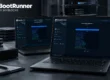
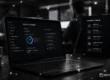
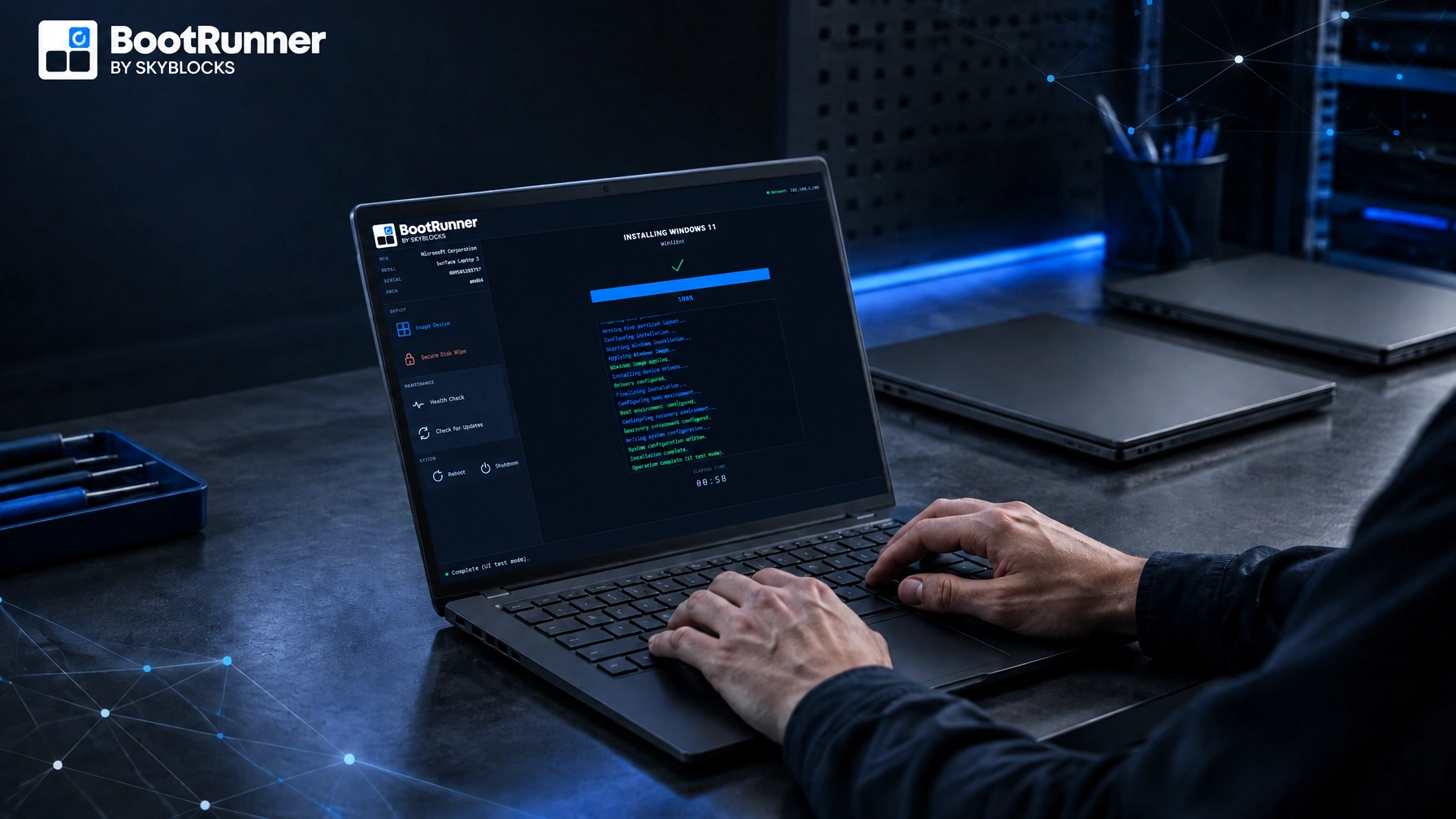
The interface can show identifying information such as manufacturer, model, serial number, and architecture. That gives the technician a clear point of confirmation before starting an operation. The technician can verify the physical device rather than relying on an order label or a nearby box.
BootRunner then applies the current Windows image together with the supported drivers and firmware for that model in one guided flow.
The technician does not manually search multiple manufacturer sites or select driver and firmware packages one by one. BootRunner identifies the supported hardware and uses the appropriate driver and firmware set for that model.
Skyblocks keeps Windows images and supported model-specific drivers and firmware current on an ongoing basis. That matters for inventory that sits for weeks or months before fulfillment. A device can be new in the box and still be behind the intended deployment baseline because Windows, drivers, and firmware continue to change after manufacture.
The supported model matters
BootRunner supports hardware from Dell, HP, Lenovo, and Microsoft Surface across standard x64 and ARM-based Windows hardware. That does not mean every model ever produced by those vendors is automatically covered.
Coverage is defined around the models a customer actually deploys. For a reseller, the right evaluation starts with the hardware that moves through the staging operation: the Dell, HP, Lenovo, and Surface models that appear in regular orders, the new additions entering the catalog, the systems that return for redeployment, the architectures in the customer mix, and the devices that need to be prepared away from the customer’s network.
This is a better way to assess cross-vendor support than checking a list of manufacturer names and assuming the work is finished.
ARM64 support is newer and has less production history today. BootRunner is built to support ARM-based Windows hardware, but it isn't yet broadly field-proven in production.
BootRunner prepares the baseline. Microsoft manages the device.
Cross-vendor staging does not replace the customer’s cloud management workflow.
BootRunner prepares the Windows and hardware baseline before the device reaches customer-specific provisioning. Microsoft Autopilot handles customer provisioning and enrollment workflows. Microsoft Intune manages ongoing operations, including the customer’s configuration, policies, applications, security controls, and endpoint management.
The boundary is straightforward:
- BootRunner applies Windows with the applicable drivers and firmware for the device.
- Autopilot provisions and enrolls the device through the customer’s deployment workflow.
- Intune manages the device after enrollment.
Our earlier guidance on preparing Windows PCs for Autopilot covers the same handoff in more detail. Microsoft’s documentation for Microsoft Autopilot and Microsoft Intune defines the provisioning and management roles on the customer side.
The workflow should not depend on the technician
A guided workflow does not remove technical judgment. It puts that judgment in the right place.
The technician still confirms the target device and approves destructive actions when required. BootRunner provides information relevant to target-disk selection and can flag conditions such as an existing Windows installation or BitLocker protection. It recommends an appropriate target while still requiring technician confirmation before destructive action.
The benefit is a clearer sequence for the routine work:
- Identify the manufacturer, model, serial number, and architecture.
- Confirm the device being prepared.
- Apply the current Windows image.
- Apply the hardware-specific drivers and firmware.
- Hand the device to Autopilot and Intune for the customer’s next stage.
BootRunner also supports offline and air-gapped preparation. That covers warehouses, restricted facilities, and customer environments where cloud connectivity isn't available during the initial hardware work. The device can connect to the customer’s provisioning and management systems later.
This is a channel staging problem
VARs and resellers do not control every device that arrives on the bench. Orders change. Models change. Returned hardware enters the process alongside new inventory.
Mixed fleets are not difficult because Windows behaves differently on every machine. They are difficult because each platform brings its own firmware, drivers, support lifecycle, and edge cases. Treat that as a staging problem and it becomes manageable: standardize what can be standardized, account for what cannot, and hand over a device in a known state.
Microsoft, Windows, Surface, Intune, and Autopilot are trademarks of Microsoft Corporation. Dell, HP, and Lenovo are trademarks of their respective owners. Skyblocks is not affiliated with or endorsed by these companies.