
Drivers and Firmware Aren’t Optional: What Windows Update Doesn’t Cover Before Deployment
A current Windows build is not the same thing as a deployment-ready device.
We’ve seen the gap on staging benches and fulfillment lines. Windows reports as current, but the device still lacks the right network driver, storage support, or firmware level for the hardware in front of the technician. The issue shows up after the machine has already moved to the next step, when rework costs more.
The patch status was accurate, but the handoff was not ready.
For VARs and resellers, the problem repeats across models, orders, locations, and technicians.
Windows Update is useful, but it is not enough
Windows Update matters. It can deliver operating-system updates and, in some cases, drivers or firmware. In managed environments, Microsoft’s tooling can also help control how those updates are handled.
But Windows Update works on a device that is already running Windows. Staging has a different job. A blank or previously used PC still needs the right Windows image, the correct supported model-specific drivers, and the appropriate supported firmware before it reaches the customer. The staging team still has to know whether the right driver set is present for that exact model, whether the firmware is where it should be, and whether the clean installation fully supports the hardware when Windows first starts. If a technician still has to stop and search vendor support pages, the device may not be ready to move on.
Windows, drivers, and firmware have to be handled together.
When the wrong driver is present, or a required one is missing, the symptoms look like hardware trouble:
- The wireless adapter does not appear.
- The storage controller is not recognized correctly.
- Display behavior is limited.
- Audio or input devices fail, sometimes only after sign-in.
- A device boots, but not in a condition fit for handoff.
Firmware is easy to miss because “Windows is current” does not settle model-specific firmware requirements or restart behavior. A device can look fine in the update view and still be below the intended firmware level for that model.

Mixed hardware is where the work multiplies
A single model is usually manageable. Mixed hardware is where staging gets expensive.
Dell today, Lenovo tomorrow, Surface next. The technician has to identify the model, locate the right support material, determine what applies, apply it, and then recheck the device before it ships. HP follows the same pattern. So does older hardware coming back through refurbishment.
Each extra lookup is another chance to pick the wrong package, miss a firmware update, or leave the next technician with a different result on the same model. The cost isn’t just bench time. It’s the support call that can come later when a customer receives a device that was not fully prepared.
Where BootRunner fits
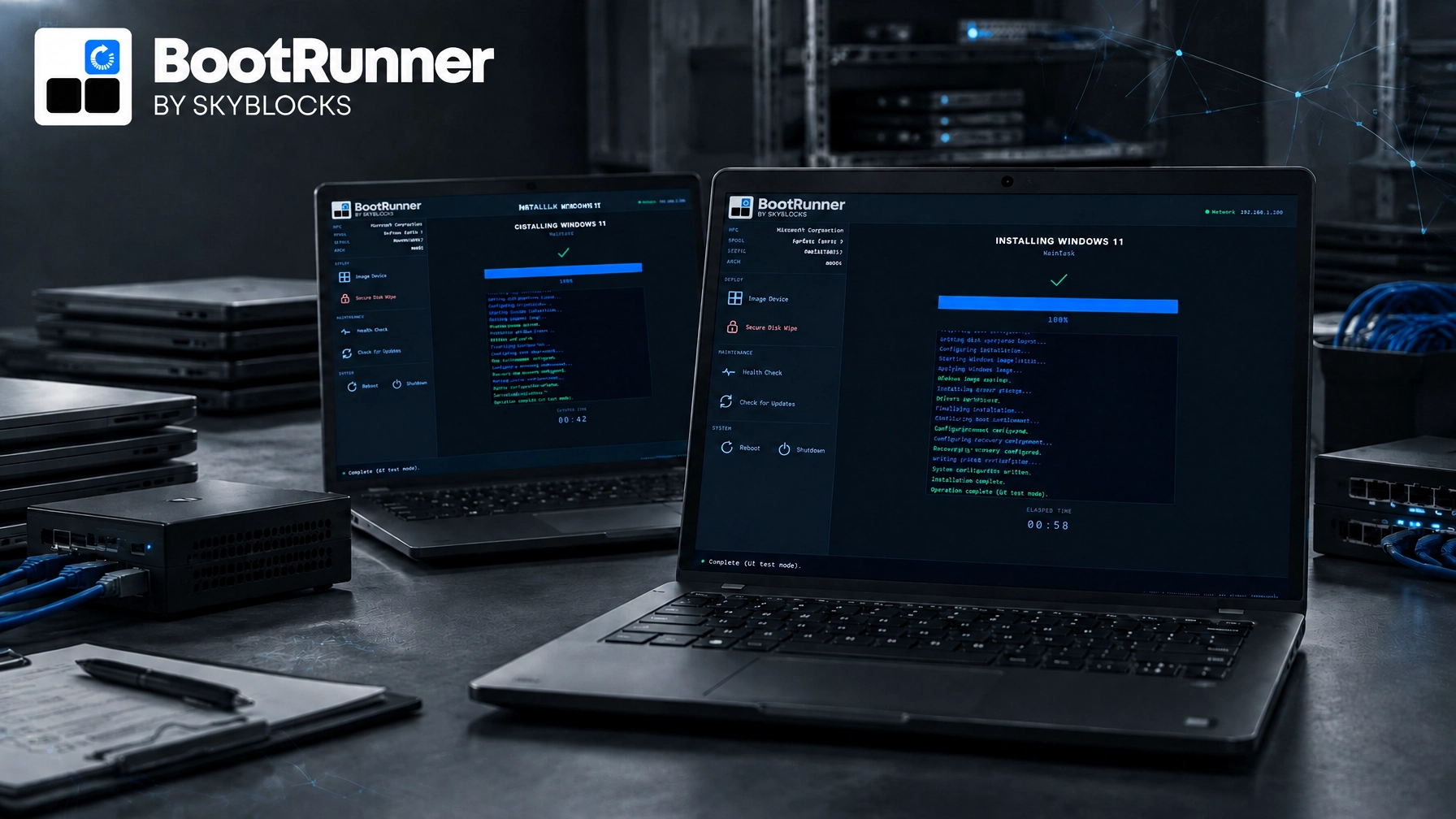
BootRunner applies the current Windows image together with the supported model-specific drivers and firmware for that model in one guided flow. Core preparation workflows can also operate offline or in air-gapped environments where that matters.
BootRunner is built to support ARM-based Windows hardware, alongside supported x64 models from Dell, HP, Lenovo, and Microsoft Surface. ARM64 support is newer and has less production history today, so we don’t describe it as universally field-proven. Skyblocks keeps Windows images and supported model-specific drivers and firmware current on an ongoing basis.
In practice, the sequence is straightforward: identify the hardware, apply Windows, apply supported model-specific drivers and firmware, and hand the device off to the customer’s next provisioning stage.

The handoff still has boundaries
BootRunner prepares the Windows and hardware baseline. Microsoft Autopilot provisions the device, and Microsoft Intune manages it.
BootRunner does not replace Autopilot or Intune. It prepares the physical Windows device before customer-specific provisioning, policy, and ongoing management take over.
Learn more about BootRunner or review our practical guidance on choosing a Windows deployment tool as a VAR or reseller. If you want to discuss fit, contact Skyblocks with the hardware models, staging locations, and handoff conditions you manage.