
Windows 11 25H2 vs 26H2: Which Image Should You Ship?
Windows 11 26H2 is now available, but that doesn't automatically make it the right image for every device leaving a staging bench. For VARs and resellers, the question isn't simply which Windows release is newest. It's which release the customer has actually approved. A laptop can leave the bench fully patched and technically current while still arriving on a Windows version the customer's IT team hasn't validated.
Read the build number before you close the lid. If the device is running 25H2, 24H2, or a separate servicing core that does not qualify for the 26H2 enablement package, the customer's tenant settings do not change what you handed off. Update rings and provisioning workflows take effect after the device reaches the customer.
For most new devices staged after the September 29 general-availability date, we would use Windows 11 26H2, provided the specific hardware baseline has been validated. We reach that position from the lifecycle dates and the shared servicing core below, not from 26H2 being the newest release. Microsoft lists 26H2 as OS build 26300, with revision 26300.9550 dated September 29, 2026. The release and lifecycle details are in Microsoft's Windows 11 release information.
26H2 gives the bench a longer supported floor
The lifecycle difference is the first practical reason to prefer 26H2.
Microsoft gives 26H2:
- 24 months of support for Home, Pro, Pro Education, and Pro for Workstations, ending October 10, 2028.
- 36 months of support for Enterprise and Education, ending October 9, 2029.
Windows 11 25H2 ends earlier:
- Home, Pro, Pro Education, and Pro for Workstations end updates on October 12, 2027.
- Enterprise and Education end updates on October 10, 2028.
A 25H2 device shipped in late 2026 leaves your facility with a shorter remaining support window and a version transition ahead of it. The customer may have a plan for that transition. They may not.
The more immediate date is 24H2. For the Home/Pro-family editions: Home, Pro, Pro Education, and Pro for Workstations — 24H2 reaches the end of updates on October 13, 2026. That date falls a week after this post publishes. Enterprise and Education editions on 24H2 have a later end-of-updates date of October 12, 2027.
A device built on 24H2 for a Pro customer is therefore leaving the bench with a lifecycle decision that needs to be explained and owned. In most late-2026 staging scenarios, 26H2 is the better floor.
The enablement package changes the migration calculation
The usual objection to a newly released Windows baseline is the size of the upgrade operation. Microsoft describes 26H2 differently.
For eligible devices already running Windows 11 25H2 or 24H2, 26H2 is delivered as an enablement package. Microsoft says in its enablement-package KB that 24H2, 25H2, and 26H2 “share a common core operating system with an identical set of system files.” Many of the required features are already present through previous monthly servicing. The package activates them. Eligible devices must already be running 24H2 or 25H2 with the September 22, 2026 cumulative update (KB5124010) or later, and the package completes with a single restart.
The shared servicing model reduces the technical difference between 25H2 and 26H2. It doesn't eliminate the customer's change-control process.
Microsoft describes installation as similar to a monthly update rather than a traditional heavyweight operating-system upgrade. Its September 29 Windows Experience Blog announcement explains the servicing model and the intended low-disruption transition.
That matters at the bench. A 25H2 image offers little migration advantage when the target device is eligible for 26H2. It can simply defer the version change until after handoff, when the technician no longer controls the device and safeguard holds or rollout timing may still apply.

Don’t treat every Windows 11 device as an enablement-package candidate
Mixed stock adds a separate complication.
Windows 11 26H1 uses a separate servicing core. Microsoft scopes it to new devices that came to market from early 2026 rather than as a feature update for existing devices. It is not offered as an in-place update from 24H2 or 25H2, and IoT Enterprise is not supported on 26H1.
A batch can therefore contain devices whose installed version does not fit a simple “enable-package everything to 26H2” instruction. A technician who assumes all Windows 11 branches converge through the same package is working from the wrong fleet model.
Check the devices you actually have:
- Record the installed Windows version and edition.
- Separate 24H2 and 25H2 devices from 26H1 stock.
- Confirm which models are included in the validated 26H2 baseline.
- Pair the image with the supported drivers and firmware for that model.
- Record the resulting build at handoff.
The point is to avoid shipping a mixed batch under one label when the servicing paths are different.
The Windows version is only one part of the handoff
The laptop on the bench carries more than an OS version.
A 26H2 image paired with an unsupported or mismatched model-specific driver set is not the approved baseline for that model. Firmware matters as well. The build number tells you which Windows branch is installed. It does not prove the hardware preparation matches the device being shipped.
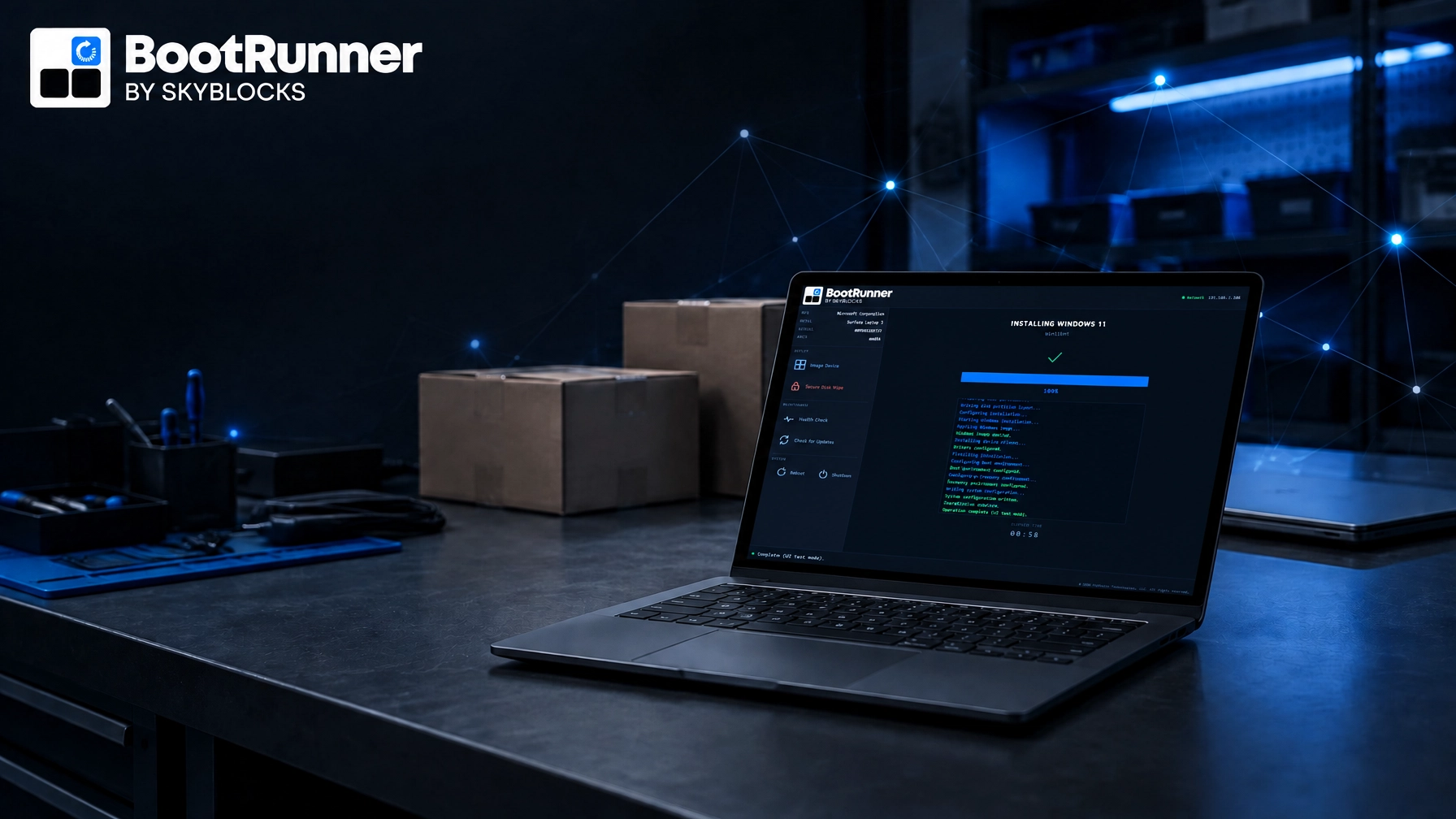
This is where BootRunner fits. BootRunner applies the current Windows image together with the correct supported model-specific drivers and firmware in one guided flow. Its core preparation workflows are designed to operate offline or in air-gapped environments, which matters where connected provisioning is restricted or impractical.
Skyblocks keeps Windows images and supported model-specific drivers and firmware current on an ongoing basis.
The practical distinction is straightforward: BootRunner prepares the Windows and hardware baseline, Microsoft Autopilot provisions the device, and Microsoft Intune manages it. It complements the customer's existing tools rather than replacing them.
BootRunner is responsible for preparing the baseline you intend to hand off. Autopilot and Intune take over in the customer's provisioning and operational environment. An old or mismatched image is still a staging error when the device leaves the bench.

The tenant cannot repair a poor handoff assumption
Microsoft makes 26H2 available through the tools organizations use to manage Windows updates, including Windows Autopatch and the Microsoft 365 admin center. Existing management tools, update rings, policies, and deployment practices continue to be used. Microsoft recommends targeted deployments to validate applications, devices, and business-critical workflows before broader expansion.
Those controls belong to the customer's operating model. They do not substitute for a deliberate staging baseline.
If the customer has specifically approved 25H2 for a controlled validation window, ship against that documented requirement. Otherwise, when the customer has not specified a release, a late-2026 device that can be prepared on 26H2 should generally leave the bench on 26H2, with its model-specific drivers and firmware paired to that baseline; a documented customer requirement takes precedence.
Use 25H2 only when the staging decision requires it
25H2 remains a valid choice in narrower situations.
Use it when the customer has a stated and defensible reason to hold that baseline, when the device is part of a validation batch that has not moved, or when the available hardware and deployment plan require a 25H2 handoff. Document the decision and the expected transition rather than allowing the older image to become the accidental standard.
Do not use 25H2 merely because it is familiar. Familiarity is not a lifecycle strategy, and the enablement-package model reduces the operational argument for postponing 26H2 on eligible hardware.
For 26H1 devices, do not describe the 26H2 enablement package as a universal next step. Treat the separate servicing core as a fleet-composition fact and follow the supported preparation path for the specific device and edition.

Read the build, match the hardware, then hand it off
For a late-2026 bench decision:
- Ship the release the customer has approved.
- Check the edition-specific support date.
- Keep 26H1 stock separate from 24H2 and 25H2 stock.
- Pair the image with the supported model-specific drivers and firmware.
- Record the installed build and baseline at handoff.
The right version to ship is the one that matches the customer's deployment requirements and approved baseline, whatever the newest release happens to be. Set that baseline at the bench, make it current, and record what was installed before the box closes.