
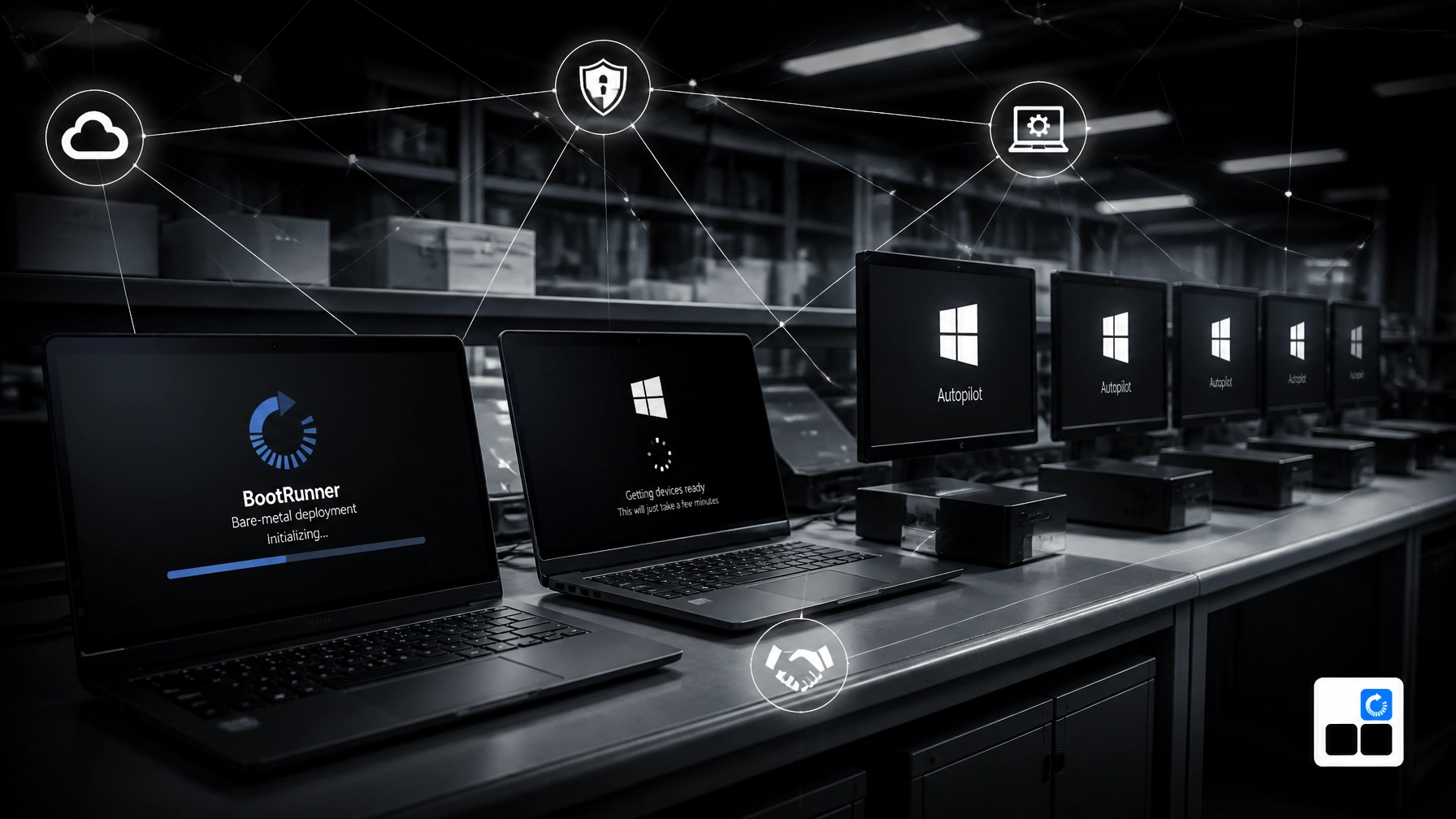
BootRunner vs Autopilot: Which Is Better for Your Business?
We’ve deployed Windows in environments where devices arrive by the pallet, networks are restricted, and a missed driver or outdated image creates real operational cost. We know the important distinction:
BootRunner and Windows Autopilot solve different parts of device deployment.
Autopilot manages cloud provisioning and onboarding for devices that already have a supported OEM Windows installation. BootRunner prepares blank or previously used Windows PCs before that stage: clean Windows deployment, current Windows installation with the correct model-specific drivers and firmware, offline staging, secure disk wipe, health checks, and technician-guided USB-based setup.
For many businesses, the right answer isn’t BootRunner or Autopilot.
It’s BootRunner before Autopilot.
The short answer
Windows Autopilot is better for cloud-based device setup and management. BootRunner is better for preparing blank or previously used PCs before enrollment, especially when devices need a clean Windows installation, the right drivers and firmware, or offline staging.
They work together in a practical deployment sequence:
- BootRunner securely wipes the device when needed and prepares it for deployment.
- BootRunner installs a clean, current Windows baseline with the correct model-specific drivers and firmware.
- The device starts Windows in a known-good state.
- Autopilot enrolls the device into Microsoft Intune and Microsoft Entra ID.
- Intune applies policies, applications, security settings, and user configuration.
“Autopilot manages the device after Windows is ready. BootRunner gets Windows ready in the first place.”
That distinction matters for SMB IT teams, managed service providers, and VARs staging hardware for their customers.
BootRunner vs Autopilot: A practical comparison
| Capability | BootRunner | Windows Autopilot |
|---|---|---|
| Primary purpose | Prepare Windows PCs for deployment before enrollment | Cloud provisioning, enrollment, and configuration |
| Starting point | Blank device, previously used PC, or warehouse staging workflow | Supported OEM Windows installation |
| Internet requirement | Can operate offline or in air-gapped environments | Requires connectivity to Microsoft cloud services |
| Windows preparation | Current Windows image maintained by Skyblocks. | Usually works with the OEM-installed Windows image |
| Drivers and firmware | Applies the correct model-matched drivers and firmware | Relies primarily on the OEM image and Windows Update |
| Field use | Guided USB-based process for technician-led staging | Not designed as a USB-led imaging workflow |
| Secure redeployment | Supports secure disk wipe and re-preparation | Not a disk wipe or reimaging tool |
| Hardware readiness | Runs health checks before handoff | Focuses on enrollment after Windows is already running |
| Warehouse staging | Designed for bulk staging before shipment | Supports pre-provisioning, but depends on the device reaching Microsoft services |
| Device management | Prepares the device for management | Manages policies, apps, compliance, and enrollment |
| Best fit | Reuse, refresh, staging, and preparation before Autopilot/Intune | Modern cloud onboarding and ongoing endpoint management |
| Relationship to the other tool | Preparation layer before enrollment | Management layer after preparation |
Autopilot is not a replacement for every Windows deployment tool. In the standard OEM workflow, it assumes the device already has a compatible Windows installation, drivers, firmware, and a path to Microsoft’s cloud services.
Microsoft’s Autopilot requirements and OEM device guidelines make that operating model clear: the device should use a supported Windows edition and an OEM-optimized base image with the required drivers.
BootRunner addresses the cases where that starting point is not enough, especially when devices need to be rebuilt, standardized, staged offline, or prepared before they ever reach Autopilot.
Keeping the Windows baseline current
Skyblocks keeps BootRunner's Windows images and supported model-specific driver and firmware packages current on an ongoing basis. Devices therefore begin deployment much closer to the current security and hardware baseline instead of spending substantial time catching up after first boot.
What BootRunner handles
BootRunner is built for the preparation layer before enrollment.
It prepares blank or previously used Windows PCs with a clean, current installation, the correct model-specific drivers and firmware, and a consistent baseline before the device moves into Autopilot, Intune, or another downstream process.
Preparing blank and previously used PCs
Some devices arrive new and unprepared. Others come back from a prior user, a lease return, or a refresh cycle with an installation you do not want to keep. In both cases, the first job is the same: put the machine into a known-good state with minimal technician effort.
BootRunner is useful when you need to:
- Prepare new devices before assignment
- Reuse returned or refurbished hardware
- Replace a damaged or inconsistent Windows installation
- Standardize mixed fleets across different models
- Stage systems before they are assigned to a user
- Hand off a clean baseline before Autopilot and Intune take over
Microsoft’s Windows deployment and imaging primer describes the underlying Windows imaging model. BootRunner turns that into a practical workflow for repeatable field and staging use.
Offline and air-gapped environments
Autopilot depends on access to Microsoft cloud services. That is appropriate for many connected offices and remote users, but it does not fit every deployment location.
Some businesses stage devices in restricted networks. Others operate in regulated, industrial, defense, or isolated environments where systems cannot connect directly to the public internet during preparation.
BootRunner keeps that work practical:
- Boot from approved USB media
- Run in offline or air-gapped environments
- Prepare Windows without cloud connectivity
- Keep the process technician-guided and repeatable in the field
- Hand the device off for Autopilot later, when policy allows connectivity
The device can connect to Microsoft services later, when policy allows. BootRunner does not remove Autopilot from the workflow. It makes the device ready for Autopilot when the device reaches a connected environment.

Drivers, firmware, and hardware readiness still matter
Drivers and firmware are one of the practical differences between a clean deployment and a deployment that creates cleanup work later.
A Windows installation that works on one model may not be right for another. Missing or incorrect hardware support can prevent a smooth handoff into Autopilot, slow down staging, or leave technicians fixing issues one machine at a time.
BootRunner prepares devices with a current Windows installation with the correct model-specific drivers and firmware before enrollment. It supports common business hardware from Dell, HP, Lenovo, and Microsoft Surface, which matters when a staging line or reseller workflow has to deal with mixed fleets.
That gives IT teams and resellers more control over the baseline:
- Devices start with hardware support matched to the model
- Firmware is brought to the expected level as part of preparation
- Technicians spend less time correcting avoidable issues by hand
- Devices reach Autopilot in a more predictable state
- New, reused, and refurbished systems can follow the same preparation path
Autopilot can configure a device successfully only after Windows has started, the hardware is functional, and the device can communicate with the required services. BootRunner addresses the work that comes before that point.
Secure wipe, health checks, and staging at scale
A preparation workflow is not just about getting Windows onto a device. It is also about making the device fit for handoff.
BootRunner supports secure disk wipe for previously used systems, which helps when hardware is being reassigned, refurbished, or staged for a different customer. It also supports health checks so obvious problems can be caught before the device moves further down the process.
That matters in real staging work:
- Warehouses can prepare larger batches before shipment
- Resellers can stage hardware for multiple downstream customers
- Technicians can follow a guided USB-based process with minimal effort
- Devices can be prepared before Autopilot and Intune enrollment instead of relying on a user to discover issues later
In many real-world cases, that preparation is extremely fast, often under five minutes depending on hardware and scope. What matters more is consistency: devices leave staging in a known-good state and are ready for cloud enrollment when they reach the right environment.
Where Autopilot is the better tool
Autopilot is the right choice when the device already has a supported OEM Windows installation and the primary need is cloud configuration.
Use Autopilot when you want to:
- Register devices with a customer’s Microsoft tenant
- Join devices to Microsoft Entra ID
- Enroll devices into Intune
- Apply configuration profiles and compliance policies
- Install Microsoft 365 Apps and business applications
- Support user-driven or pre-provisioned deployment
- Manage devices after they reach the customer
- Reduce hands-on setup for remote users
Microsoft’s Autopilot device preparation overview covers the cloud provisioning model and its supported requirements.
Autopilot is especially effective when an OEM or distributor can register the device hardware with the customer’s tenant before shipment. The customer receives a device, connects it to the internet, and the configured enrollment process begins.
That is a strong workflow. It simply begins with a functioning, supported Windows installation.
Where BootRunner is the better tool
BootRunner is the better fit when Windows and the hardware baseline must be prepared before cloud enrollment.
Choose BootRunner when you need to:
- Prepare blank or previously used PCs before enrollment
- Work without internet access
- Stage large batches at a warehouse
- Prepare devices for multiple downstream customers
- Prepare a current Windows installation with the correct model-specific drivers and firmware
- Securely wipe and redeploy reused systems
- Run health checks before handoff
- Use a guided USB-based workflow in the field
- Create a repeatable process for new and refurbished hardware
For existing devices, Microsoft documents an Autopilot deployment for existing devices workflow. That process can involve Configuration Manager and a supported Windows image. It is useful, but it is not the same as having a dedicated preparation layer for broad offline, warehouse, or multi-customer deployment operations.
The best workflow combines both
For an SMB IT team, the combined model is usually straightforward:
Before the device reaches the user
BootRunner:
- Securely wipes the disk when the device is being reused
- Installs a clean, current Windows baseline
- Applies the correct model-specific drivers and firmware
- Runs health checks before handoff
- Supports guided USB-based staging with minimal technician effort
- Prepares the device for Autopilot and Intune enrollment
When the device reaches a connected network
Autopilot and Intune:
- Identify the device and tenant
- Guide enrollment
- Join Microsoft Entra ID
- Apply security and configuration policies
- Install user applications
- Establish ongoing compliance and management

For a VAR or reseller, this separation also clarifies responsibility. The staging process can be standardized before shipment, while each customer’s tenant-specific configuration remains in Autopilot and Intune.
That means one preparation process can support several customers without pushing customer-specific policies and applications into the preparation stage.
So, which is better for your business?
Neither tool is universally better.
Autopilot is better for cloud onboarding and lifecycle management. BootRunner is better for Windows and hardware preparation before enrollment.
If all your devices arrive with the right OEM Windows installation, every location has reliable internet, and your main requirement is Intune enrollment, Autopilot may be enough.
If you handle blank devices, restricted networks, warehouse staging, mixed hardware, refurbished systems, or repeatable pre-enrollment preparation, BootRunner fills the deployment gap.
The strongest architecture uses each tool for the work it was built to do:
BootRunner prepares the Windows and hardware baseline. Autopilot provisions the device, and Intune manages it.
Skyblocks builds and supports practical Windows deployment workflows for SMBs, IT teams, and channel partners. Learn more about BootRunner or contact Skyblocks to discuss your current staging and enrollment process. We’ll start with the workflow, the constraints, and the hardware you actually manage.